What to do when your CQC rating changes

Written by Len Burgess, Founder
Len Burgess is the founder of TRG Digital, a specialist digital agency for the UK care sector. He has worked in SEO and digital marketing for over a decade and writes about search, ranking factors and lead generation through a data-first lens: read the data, apply best practice and logic, test, and repeat until you rank.
Connect on LinkedIn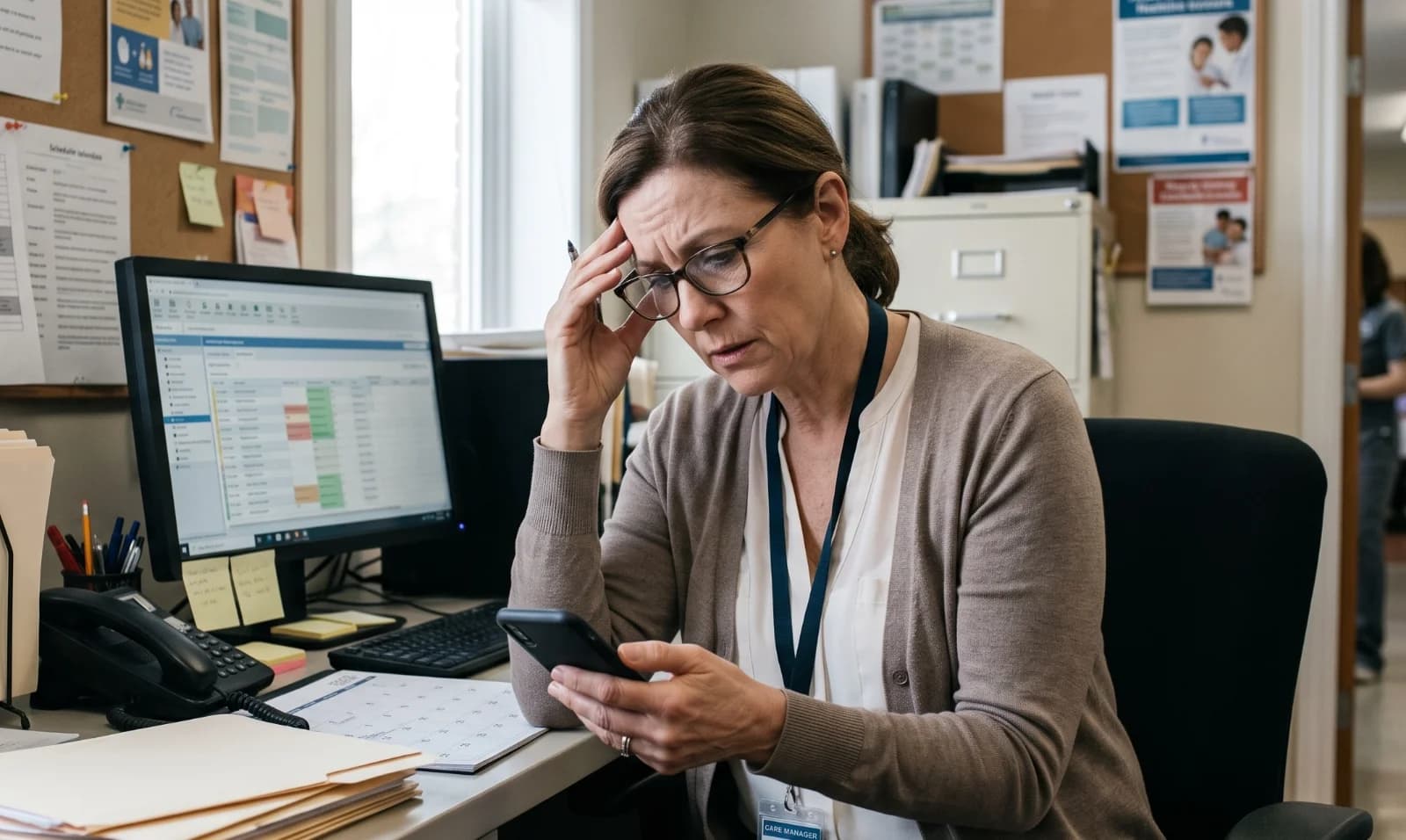
A downgrade to Requires Improvement is a published fact families will see within days, often before they reach your website. The only thing a home controls is the context around that rating. An honest response page, a briefed team and a visible, accurate rating beat any attempt to soften the report.
The work starts the day the report lands, not the day enquiries drop.
Where does your CQC rating show up, and how fast?
The rating is published on the CQC website first, then pulled into Google, directories, NHS pages and your own site within days. Families often see the rating before they see your website, so first impressions are formed off-site.
Ratings are displayed alongside care type, location and inspection date, so a downgrade travels with your home's name everywhere it appears. A family searching "dementia care in Chelmsford" may see the rating in the map pack, on a directory listing and on the NHS page before they ever click through to your site.
Homes that only check their own website miss the places families actually look. The CQC widget on your site is one surface among many, and usually not the first one a family sees.
Can you hide the CQC rating from your website?
No. Providers must display their current rating where it is required, and hiding it breaches display rules. The widget is not the problem. An unexplained rating is the problem.
Removing the widget makes families suspicious when they find the rating elsewhere, and they will find it. A missing widget reads as something being concealed, which does more damage than a Requires Improvement badge with a clear explanation next to it.
Keep the widget live and current, and pair it with a link to your response page. The response page is where you control the narrative. The widget simply tells the truth, and families respect a provider that does the same.
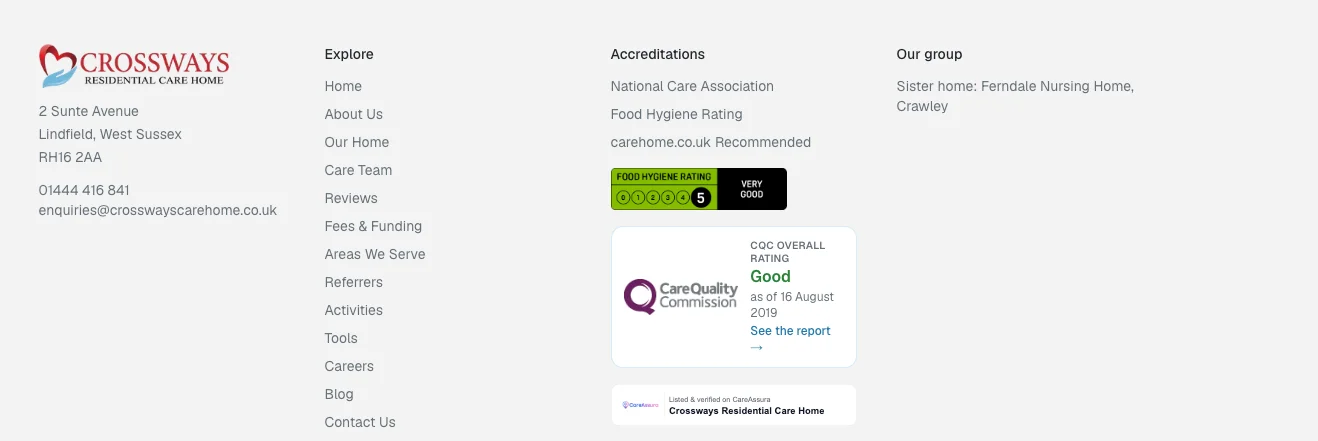
The CQC rating should always be present and correct on your site; we prefer placing it in the footer of the sites we build here at TRG Digital
Work with TRG
Struggling to fill your beds?
See how we turn local searches into pre-qualified enquiries, delivered straight to your home.
What should an honest response page say after a downgrade?
Open with the rating, the inspection date and the report link, with no burying it. The first line should name the rating and the date, then link to the full CQC report. Families will read the report anyway, so the response page should start from the same facts they will find.
Set out what the report found, in the inspector's language, not softened. If the report says medicine records were incomplete, say that. If it says staff training had lapsed, say that. Families can tell the difference between a plan and a paragraph of reassurance.
List what has changed since, with dates and named actions. "We replaced the medicines audit system on 14 March" is a fact. "We take medicines management seriously" is not. Show evidence: new training, audits, staffing changes, refurbishment, systems.
Avoid spin. A response page that argues with the report or blames the inspector will cost more enquiries than the rating itself. The goal is to show a home that understood the findings and acted on them.
How do you handle enquiries when families ask about the rating?
Brief the whole team, not just the manager, before the phone rings. Every person who answers a call or replies to an email needs the same short answer. A family will not wait while a carer finds the manager.
Agree on one short script: acknowledge the rating, state the change, offer a visit. The script might be three sentences. "We were rated Requires Improvement in March. We have since changed X and Y. The best way to see that is to visit us." That is enough.
Never argue with the report or blame the inspector. Families are not asking for a defence. They are asking whether the home took the findings seriously.
Log what families ask, because the same three questions will repeat. Route online enquiries to someone who can answer properly, same day. A slow or vague reply to a rating question reads as avoidance. The practical pattern for answering these enquiries is covered in replying to care home enquiries.
What does a downgrade do to your enquiries, and how do you steady them?
Expect a dip in calls and form fills in the first weeks, especially from self-funding families. Private pay families have a choice, and a Requires Improvement rating pushes them towards other homes on the shortlist.
Local authority and NHS referrals usually continue, so the fee mix can shift towards lower fees. That is the quiet commercial cost of a downgrade. Occupancy may hold while revenue per bed falls.
Paid campaigns should be paused or rewritten until the response page is live. Sending paid traffic to a site that has no answer to the rating question wastes budget and deepens the dip.
Track enquiry volume weekly against the same weeks last year, not against last month. A week-on-week comparison during a dip tells you nothing useful. The recovery pattern after an enquiry drop is set out in care home enquiries dropped.
What should you do when the rating goes up?
Most homes forget to tell anyone, which wastes the strongest trust signal they have. An upgrade to Good or Outstanding is news families actively look for, and silence leaves it hidden.
Work with TRG
Want more private enquiries?
We put your home in front of the families actively searching for care near you.
Update the widget, Google Business Profile, directories, NHS pages and any printed materials on the same day. A stale rating on one channel undermines the upgrade everywhere else.
Add the new rating to your homepage, care type pages and enquiry confirmation emails. Put it where families decide, not just on a page nobody visits.
Publish a short update on the response page so the story has an ending. The page that once explained a downgrade can now show the improvement, with dates. TRG Digital builds live CQC rating display and funding tools into care websites through Care Tools, so the rating families see is always current.
How do you keep the rating visible and accurate across every channel?
One source of truth: whoever owns the CQC profile owns the update list. That person checks every channel within 24 hours of any rating change and updates each one.
Check Google Business Profile, Bing, directories and your own site within 24 hours of any change. A rating change is a fact that moves across the internet quickly. Your job is to make sure the version on each channel matches the regulator's version.
Put the rating where families decide, on care type pages and near the enquiry form. The rating should not live only on a compliance page. It should sit next to the point where a family is about to make contact.
Review the response page quarterly and add dated progress. A response page that stops at the inspection date goes stale. A page that shows ongoing action, with dates, keeps working long after the report is published.
Conclusion
Navigating a CQC rating change requires transparency, speed, and proactive reputation management. Trying to hide or soften a downgrade breaks trust before a family even steps through your doors, while failing to broadcast an upgrade leaves your strongest selling point in the dark.
Controlling your narrative across every digital touchpoint, from Google Business Profile to your own website, is essential for protecting your enquiry pipeline and revenue.
At
If you are interested in learning more about how we can help you, click below and let's have a call.