Why your care home is not showing on Google at all

Written by Len Burgess, Founder
Len Burgess is the founder of TRG Digital, a specialist digital agency for the UK care sector. He has worked in SEO and digital marketing for over a decade and writes about search, ranking factors and lead generation through a data-first lens: read the data, apply best practice and logic, test, and repeat until you rank.
Connect on LinkedIn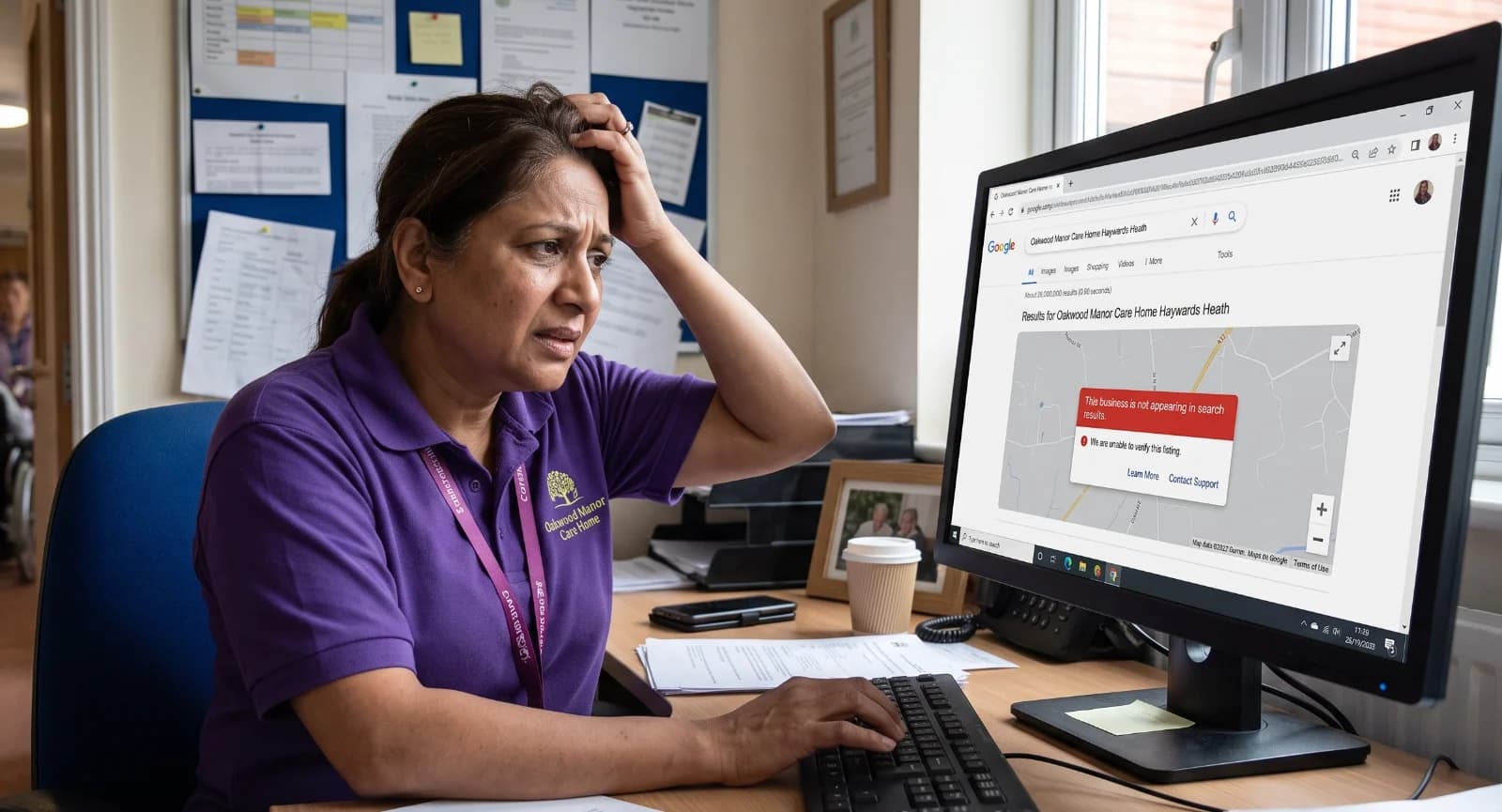
Being missing from Google is a different problem from ranking low, and it is almost always one of five fixable causes. Your site may not be indexed, your Google Business Profile may be unverified, suspended or duplicated, your name and address may not match CQC and the directories, a new site may have gone live with "noindex" still switched on, or you may simply be outranked.
This ten-minute checklist starts with two searches that tell you which problem you have.
So keep reading to get all the details.
What should I search to find out why my care home is not on Google?
Run two searches: your exact home name, then your home name plus town. Each returns a different diagnosis.
Search your name only first. If a directory listing, an old address or another home appears instead of you, Google does not connect your name to your website. That points to a brand signal problem, not a local one.
Now search your name plus town. If you appear here but not on the name-only search, your local signals are working, and your brand signals are not. Google can find you when given location context, but it has not linked your trading name firmly to your site.
Check what the results actually show. A wrong phone number, a closed listing, or a page from a previous website still live all confuse Google about which version of your home is real. Note whether your Google Business Profile appears in the map pack at all, or only your website in the blue links.
Is my care home website actually indexed by Google?
Run a site: search on your domain. No results means Google has not indexed you, so you cannot appear for anything.
The common causes are simple. The site is brand new, and Google has not crawled it yet. The site is blocked in robots.txt. Or no sitemap has been submitted to tell Google which pages exist.
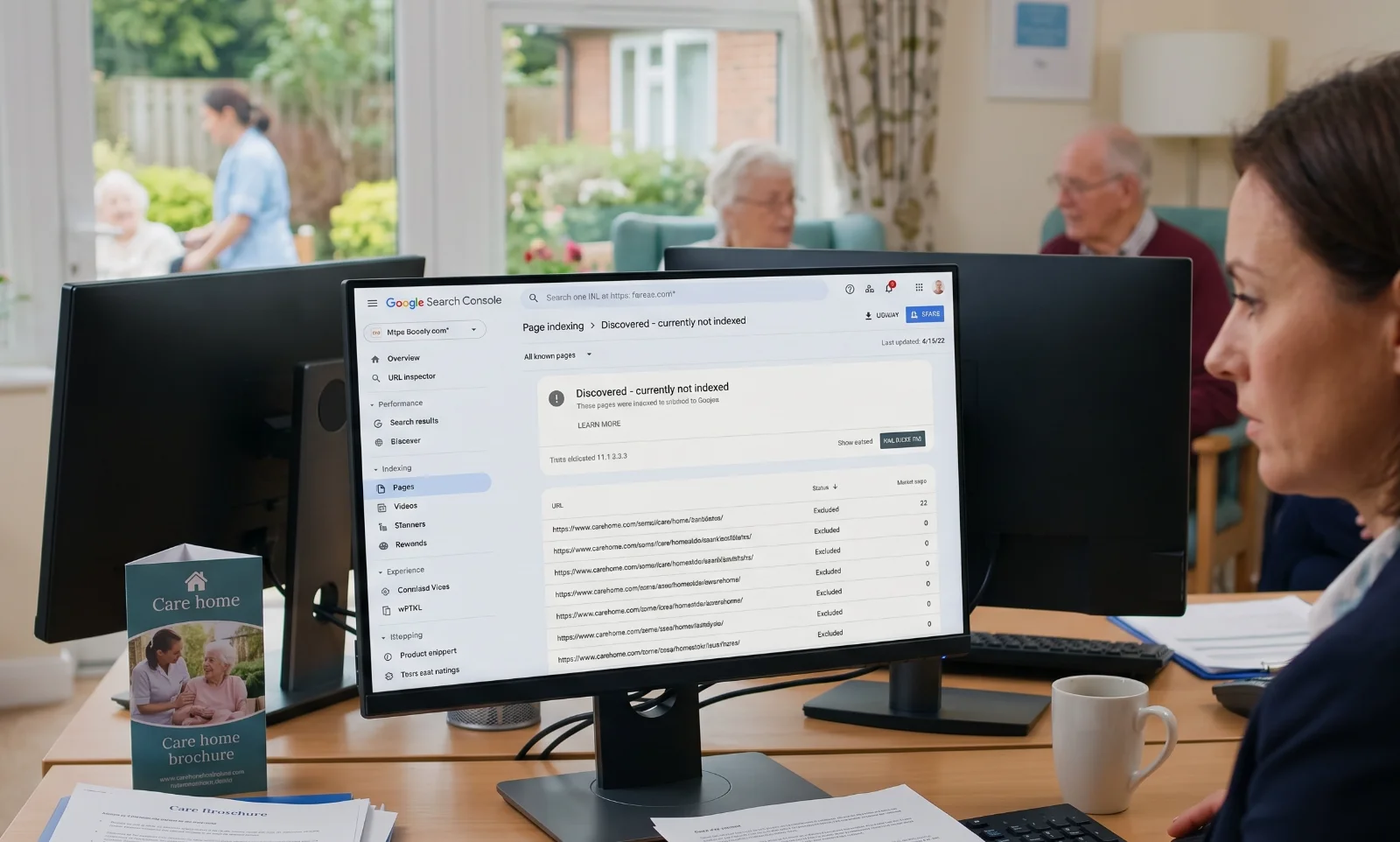
Confirm in Google Search Console whether pages are marked "Discovered, currently not indexed" or excluded entirely. The two statuses mean different things. Discovered but not indexed suggests Google knows about the page but has not decided it is worth showing. Excluded usually means a technical block.
Check for a stray "noindex" tag left on from staging. This is common on newly launched care home sites and is invisible unless you look at the page source. If pages are indexed but not ranking, you have a visibility problem, not an indexing one.
Work with TRG
Struggling to fill your beds?
See how we turn local searches into pre-qualified enquiries, delivered straight to your home.
Why is my Google Business Profile not showing in local search?
Unverified profiles do not appear. Check whether verification was ever completed, and whether the postcard or video step stalled partway through.
Suspended profiles vanish without warning. This often happens after a name, address or category edit that looks like spam to Google. A profile that was visible yesterday can disappear today with no notification.
Duplicate listings split your reviews and confuse Google about which one is real. Search your postcode, not just your name, to see whether an old listing still exists alongside your current one. Wrong primary category is a quiet killer. "Nursing home" and "Assisted living facility" behave differently in the map pack, and the wrong choice can suppress you entirely.
Reviews matter to map pack position. Map pack results where competing homes had 95, 67 and 300 reviews, while a home with only 32 reviews did not rank in the top three. Listings ranking above homes in the same area often carry far more reviews.
Does my home's name and address match everywhere it appears online?
Google cross-checks your name, address and phone number against CQC, NHS.uk, directories and your own site. When those sources disagree, Google has to guess which version is correct.
Mismatches to look for include a trading name versus a registered name, an old phone number still listed somewhere, a former address, or a suite number added or dropped. Any one of these can dilute your local signals and suppress the map pack entirely.
Fix the source first, then work outwards. Your own website should carry the exact name, address and phone number you want Google to trust. Then update your Google Business Profile to match. Then correct the directories.
Did my new website go live with noindex still switched on?
This is one of the most common causes we see, and it is invisible unless you check. A site can look perfect to visitors and be completely absent from Google.
Ask your developer directly whether the staging site's noindex tag was removed before launch. If you cannot get a straight answer, view the page source in your browser and search for the word "noindex". One line in the head of the page is enough to tell Google to ignore the entire site.
Check robots.txt as well. A stray disallow line blocks crawling even when pages are technically indexable. Both files sit on your server, and neither is visible on the page itself. Once removed, indexing usually follows within days, though ranking takes longer; technical site health is a foundational part of being found at all.
How can TRG Digital tell me which of these is stopping my care home showing on Google?
A free audit runs every check in this article: indexing, robots.txt, noindex tags, Google Business Profile status, duplicates, categories and name and address consistency. The result is a plain list of what is blocking you and what to fix first.
The audit shows what families in your catchment actually see when they search, not what you see when logged in. Logged-in results are personalised and often flattering. A family searching from a hospital ward at 9pm sees something different.
Work with TRG
Want more private enquiries?
We put your home in front of the families actively searching for care near you.
Where the problem is ranking rather than visibility, TRG Digital's SEO and local SEO work covers the fix. Paid advertising through Enquiry Generation can fill beds while organic results build. Run the website grader or book a free demo to get the checks done.
How do I tell a visibility problem from a ranking problem?
If you cannot be found by name, it is visibility. If you can be found by name but not by "care homes near me", it is ranking.
Ranking problems are covered in our guide to how families search for care homes near me. The mechanics are different: content, local pages, reviews and the strength of competing homes in your catchment.
Visibility problems are almost always technical or profile-related, and usually fixable in days. An unindexed site, a suspended profile or a noindex tag can be corrected quickly once identified. Ranking problems take longer and respond to content, local pages and reviews over months. Both are worth fixing, but fix visibility first. There is no point optimising a page Google cannot see.
Conclusion
If families can't find your care home on Google, the cause is almost always technical or profile-related, and it can usually be fixed in days once someone finds it. Start with the two searches in this post, then work through the checklist. If you'd rather have it done for you, TRG Digital's free audit runs every check here: indexing, robots.txt, noindex tags, Google Business Profile status, duplicate listings, categories, and whether your name and address match across the web. You get a plain list of what's blocking you and what to fix first, and the audit shows what a family in your catchment sees when they search, not the personalised results you see when logged in.
Once Google can see you, our SEO and local SEO work deals with ranking. Enquiry Generation campaigns can bring in enquiries while organic results build. Fix visibility first, because there is no point improving a page Google cannot see.
For more detailed information, contact us using the button below, and we can help you navigate the world of Google.